

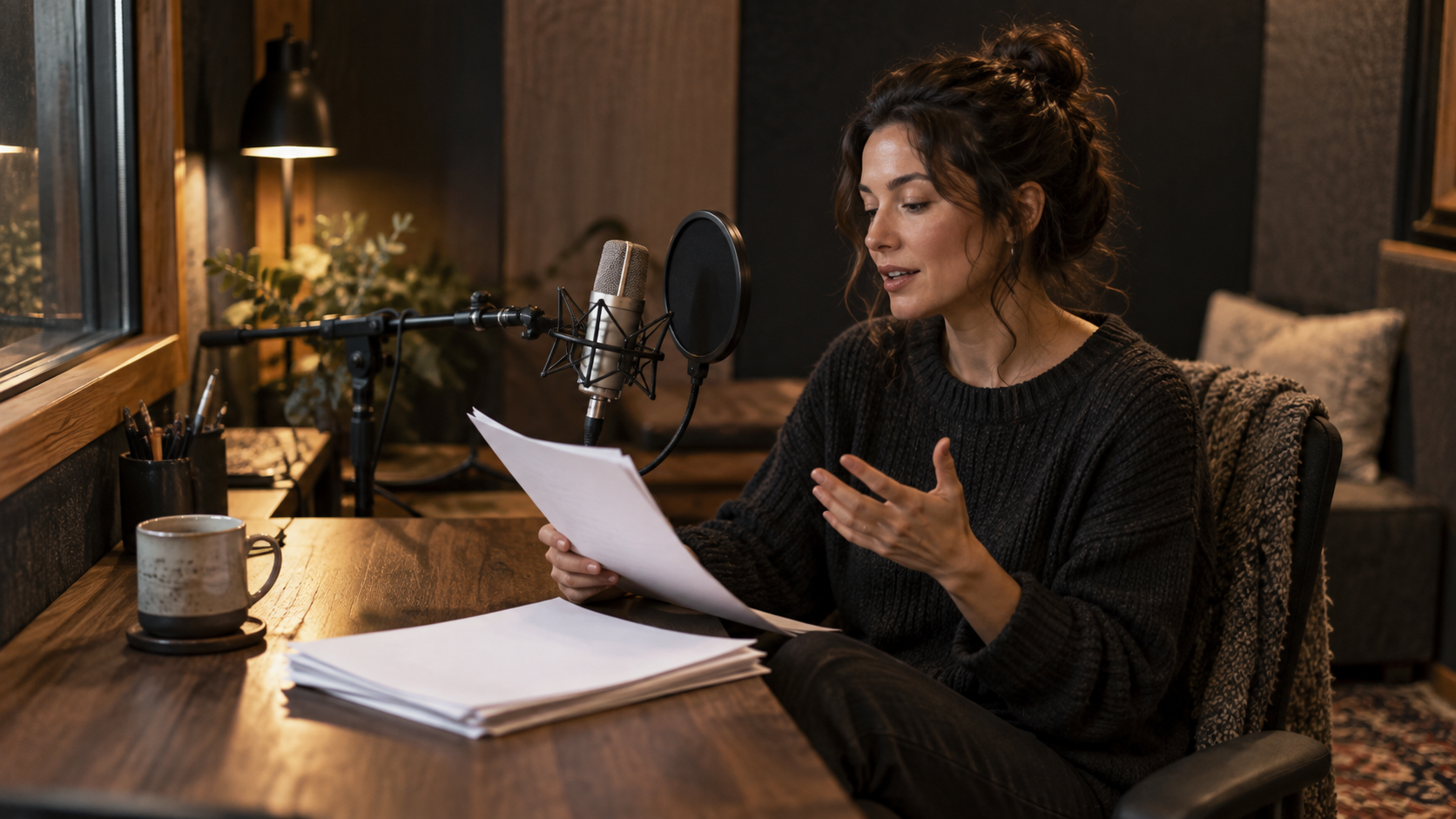
A speech script is a performance brief
A good narration script gives the listener a clear path through the idea. Start by reading your draft aloud. Mark where you naturally breathe, which word carries the meaning and what the listener should remember. Expand any abbreviation or date whose spoken reading could be ambiguous, and give each important instruction enough room to land.
Then shape three choices separately: the words communicate the message, delivery sets the pace and emphasis, and the voice gives the passage its character. Keeping those choices distinct helps you make a useful comparison. You can hear whether a sentence needs rewriting before deciding that a different speaker would suit the passage better.
Choose a voice and prepare its input
Use a preset voice to test your script quickly. Select the language when pronunciation needs guidance; Auto detects from the text. For preset voices, the Style field accepts a delivery description such as “calm, conversational, unhurried; emphasize the action words.” Saved voices use the delivery of their reference recording; the style instruction field is unavailable for them.
If creating a saved voice from audio, the interface accepts 3–60 seconds of speech up to 20 MB. Record one speaker in a quiet room, at a stable distance and a consistent level. A clean, natural speaking passage captures the delivery you want to reuse. Keep background music out of the reference and leave enough recording headroom for comfortable speech. If supplying a transcript, match the words in the recording so the text and reference stay aligned.
| Written form | Spoken alternative | Why it helps |
|---|---|---|
| 09/10 | September tenth, after confirming the intended date | Removes the date-format ambiguity |
| 3.5 GB | Three point five gigabytes | Makes the unit and decimal explicit |
| FAQ #4 | Question four in the frequently asked questions | Avoids an uncertain abbreviation reading |
| A long semicolon chain | Two or three short complete sentences | Gives each instruction its own phrase |
Rewrite the script before generating
Written version: “On 09/10, use v2.4 to export the 3.5GB file ASAP; see FAQ #4 for the 20% discount.” It contains an ambiguous date, a version, a unit, an abbreviation and several competing instructions.
Spoken version: “On September tenth, open version two point four. Export the file, which is three point five gigabytes. Need help? Read question four in the frequently asked questions. The discount is twenty percent.” Confirm the intended date first; other locales may interpret the digits differently.
For a short product walkthrough: “Choose your recording. Listen to the opening sentence. If the voice sounds right, generate the complete passage.” Put the delivery direction in Style for a preset, not inside these spoken lines. Use these script examples as starting points: punctuation helps suggest phrasing, and an audio editor can refine timing when the narration must match picture.
Audition a small passage systematically
- Choose a test passage containing the hardest name, a number, one short sentence and one longer sentence. Stay well within the 5,000-character request limit.
2. Keep voice and language fixed. Generate the first reading and note errors with their surrounding words.
3. Rewrite only the ambiguous text: expand the abbreviation, spell out a number or split the long sentence. Compare the same passage again.
4. Once pronunciation works, compare a second preset or one restrained style change. Listen at similar volume for clarity, pacing and unwanted emphasis.
5. Generate the remaining passage in coherent paragraphs. When joining separate recordings in an editor, check the word at each join and the surrounding breath; pacing can vary between requests, so make the join serve the sentence.
Make pronunciation and pacing easier to follow
A product name is wrong: try a readable phonetic spelling in a short test, and keep the display spelling outside the spoken script. A list runs together: replace a dense comma chain with short sentences. Numbers sound unnatural: write the intended reading, including units. A voice sounds distant: inspect the reference recording for room echo before adding more descriptive words.
Keep the script in plain text, using complete sentences and explicit readings for the difficult words. Tunenoodle exposes text and voice controls; SSML markup is outside the current input format. For exact pause lengths or synchronization, generate the spoken passage first and place the pauses in your audio or video editor.
Questions before recording the whole script
How do I make a pause exactly 500 milliseconds? Generate the reading, then set the gap in an audio editor. Use sentence breaks in the script to guide natural phrasing and timeline editing for exact synchronization.
What makes a useful voice reference? Choose clean, representative speech within the accepted 3–60-second range. A stable distance, comfortable delivery and quiet room help you evaluate the voice clearly. Start with a passage that sounds like the narration you want to create.
How should I compare voices? First refine the text with one voice, then audition another on that same passage at a similar volume. Listen for the names, numbers, sentence endings and emphasis that matter to your audience. Keep the strongest reading as a reference for the rest of the project.
MAKE IT YOURS
Turn your next idea into music.
Bring a scene, a story or a few words. Find your sound with Tunenoodle.