

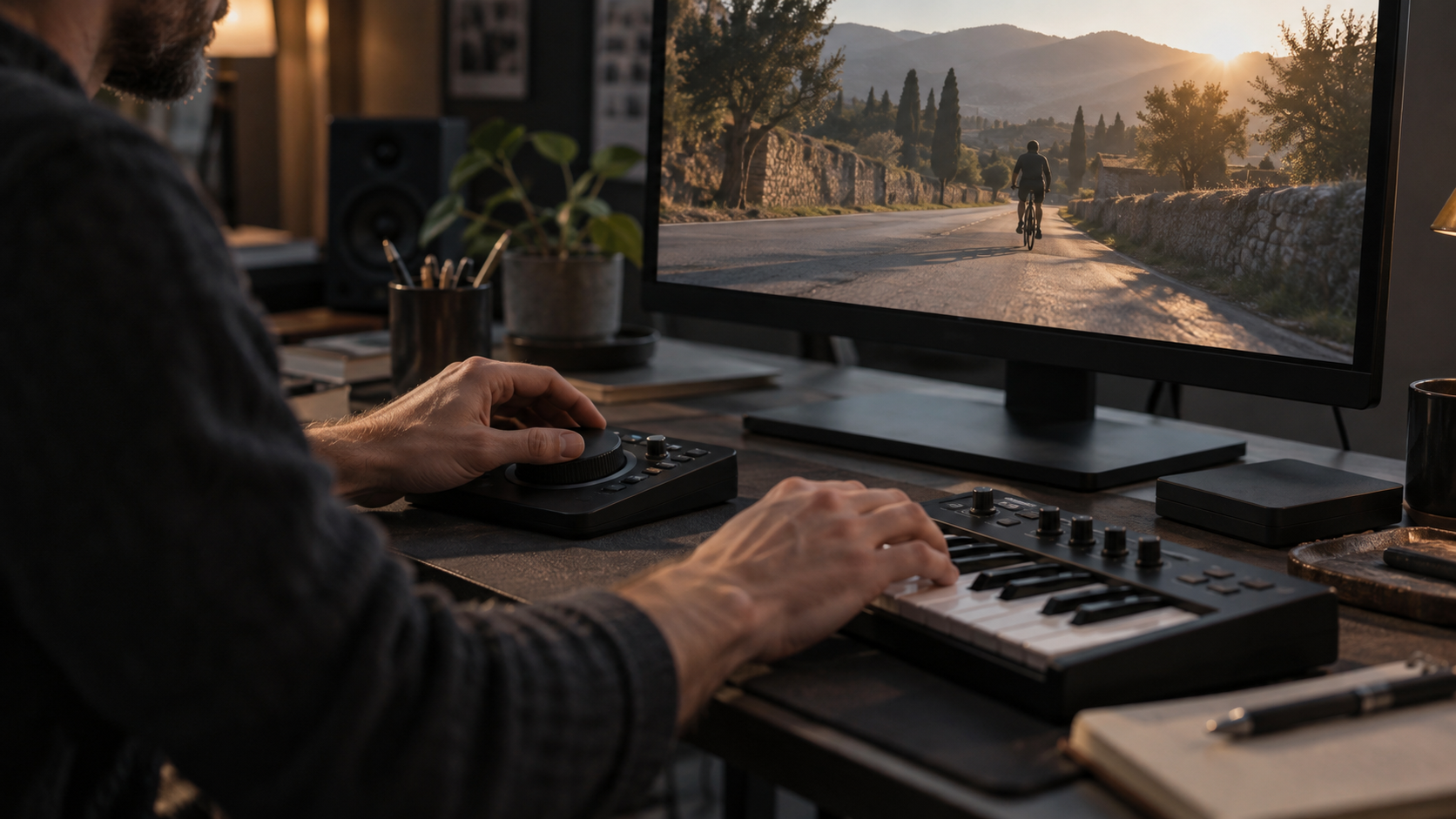
Listen: three soundtracks made with Tunenoodle
Listen to three original Tunenoodle soundtracks for a product reveal, a spoken explainer and a behind-the-scenes edit. Choose a brief, hear the result and take its exact prompt into your own project.
TikTok / Reels · 15-second product reveal
TUNENOODLE ORIGINALListening task: place the product reveal near a musical accent, then compare moving the picture half a second earlier or later.
0:00 / 0:15
THE GENERATION PROMPT
Instrumental funk-pop for a 15-second product reveal. 120 BPM target, crisp handclaps, muted guitar and rounded bass. A short pickup, a clear accent for the reveal, then a compact two-bar motif. Confident and playful, no lead vocal, no long intro. Leave a clean ending for the product name.
TikTok / Shorts · 30-second voiceover bed
TUNENOODLE ORIGINALListening task: read your own script over the music. Check numbers, product names and sentence endings before choosing the music level.
THE GENERATION PROMPT
Instrumental background for a 30-second spoken tutorial. 96 BPM target, soft percussion, warm electric piano and restrained bass. Sparse melody, stable energy, no vocals, no dramatic risers, no busy fills. Leave room for speech throughout; finish with a gentle, short resolution.
YouTube · 60-second making-of
TUNENOODLE ORIGINALListening task: compare the finished product, process and result scenes with the musical phrases. Move edit points when the scene needs an energy change.
THE GENERATION PROMPT
Instrumental music for a 60-second making-of tutorial. 100 BPM target, light acoustic plucks, soft electronic pulse and warm pads. Curious opening, steady middle, modest lift for the finished result, then a clear ending. No lead vocal, no sudden tempo changes, no dense high-register solo.
Give the music a job before choosing a genre
Write a short brief: platform, organic post or ad, running time, audience, spoken dialogue, key visual moments, mood and ending. Music can establish a mood, mark an action or become the content itself. A talking tutorial usually needs a different arrangement from a transformation reveal. TikTok’s Creative Codes separates music, voiceover and action sounds and recommends a hook, body and close for advertising. Use that structure to give your own soundtrack a clear opening, a purposeful middle and a recognizable close.
TikTok challenges benefit from an easy-to-repeat action cue. Reels can emphasize a visual transformation or a continuous mood. Shorts may tell a compact story, while a longer YouTube tutorial needs sections that support explanation without restarting the musical hook constantly. Choose the structure that serves your particular video. Decide whether viewers must understand speech, imitate an action or simply feel the scene.
Three campaigns to learn from
e.l.f. commissioned a song for #EyesLipsFace with ILL Wayno and Holla FyeSixWun. TikTok’s historical campaign report describes three million participant videos and over four billion views at that reporting point. Its creative lesson is specific: connect an identifiable musical idea to an action people can perform. A short sung phrase or recurring accent can give viewers a clear invitation to join in. This was commissioned original music, and the figures describe the wider campaign.
K18 and Song Candy Media built #K18HairFlip around a hair-flip gesture, musical drops and lyrical cues, with singer Tamara Jade. Creators, incentives and media distribution supported the campaign. For your own brief, name the action and give it a musical cue: a small pickup before the motion, an accent at the reveal and a phrase that feels complete afterward. That is a practical way to connect an original soundtrack to the image.
YouTube’s November 2023 Dream Track experiment explored AI soundtracks with DeepMind’s Lyria, nine collaborating artists and a small group of US creators. Participants could make soundtracks up to 30 seconds, and YouTube published examples involving Charlie Puth and T-Pain. The artist-partnered experiment offers another useful idea: start with a compact creative concept and explore several musical interpretations. Below, our own Tunenoodle examples show how three production briefs become generated music and edited short versions.
| Use | Music brief | Check before publishing |
|---|---|---|
| TikTok action or challenge | Recognizable motif with one repeatable action cue | For promotions, check CML or your own licensed rights. |
| Instagram Reels | Transformation accent or a restrained mood beneath speech | Distinguish the personal music library from commercial use. |
| YouTube Shorts | A compact phrase supporting one short story | Check track duration, current claim rules and AI disclosure. |
| YouTube long video | Section-based background, transitions and a planned ending | Check license and attribution; avoid masking explanation. |
Three complete briefs, prompts and picture timelines
The following briefs pair a copyable prompt with a picture timeline. You can hear the edited Tunenoodle soundtracks in the listening examples. Use the prompt to describe the musical direction, then choose and arrange the generated phrases against the actual picture to set the accents and final duration.
A · 15-second product reveal Picture: 0–3 s show the problem or object; 3–5 s perform the reveal; 5–12 s show two details; 12–15 s hold the product name. Move a musical accent to the actual reveal so the sound reinforces the action. Copyable prompt: Instrumental funk-pop for a 15-second product reveal. 120 BPM target, crisp handclaps, muted guitar and rounded bass. A short pickup, a clear accent for the reveal, then a compact two-bar motif. Confident and playful, no lead vocal, no long intro. Leave a clean ending for the product name.
B · 30-second spoken demonstration Picture: 0–4 s state the result; 4–22 s explain two steps; 22–27 s demonstrate; 27–30 s close. Speech leads throughout; the demonstration can receive a small lift if it does not cover a keyword. Copyable prompt: Instrumental background for a 30-second spoken tutorial. 96 BPM target, soft percussion, warm electric piano and restrained bass. Sparse melody, stable energy, no vocals, no dramatic risers, no busy fills. Leave room for speech throughout; finish with a gentle, short resolution.
C · 60-second making-of or brand tutorial Picture: 0–6 s show the finished object; 6–36 s explain the process; 36–50 s reveal a comparison; 50–60 s summarize. Use a sparse bed under explanation and a fuller passage at the result. Copyable prompt: Instrumental music for a 60-second making-of tutorial. 100 BPM target, light acoustic plucks, soft electronic pulse and warm pads. Curious opening, steady middle, modest lift for the finished result, then a clear ending. No lead vocal, no sudden tempo changes, no dense high-register solo.
Turn a generated track into an intentional edit
- Generate two alternatives from the same brief and keep the prompt, selected version and export. Compare them against the same picture and voiceover so you hear how each soundtrack serves the scene.
- Find a usable phrase. In steady 4/4 at 120 BPM, one beat lasts 60 ÷ 120 = 0.5 seconds, one bar lasts 2 seconds and four bars last 8 seconds. At 96 BPM, four bars last 10 seconds. These calculations locate candidate edits; verify the actual tempo and any pickup.
- Cut near phrase boundaries and listen across the join. A complete phrase from a longer generation can make an effective 15-second soundtrack. Leave room for a natural release or fade; for looping, compare the final harmony, level and rhythm with the opening.
- Mix with the actual voiceover. Reduce competing melody and busy midrange instruments before reaching for a fixed EQ recipe. Speech and instruments overlap differently in each recording, so make any EQ adjustment while hearing the two together. Keep important consonants clear, then check headphones and a phone speaker.
- Export, listen from beginning to end, and retain a version without platform-added music. That makes later platform-specific licensing or editing changes easier.
Shape the soundtrack around the scene
Music covers the voice: first try a sparser instrumental arrangement and lower its level during speech. If EQ is available in your editor, make small changes while listening to both signals together; keep the warmth and character of the music while making the words easier to follow.
The intro wastes half the video: select a later complete phrase or revise the brief to request a short opening. The reveal misses the beat: move the chosen passage or edit the picture deliberately. Working with the picture timeline gives you direct control over where the accent lands.
The loop clicks or feels unfinished: inspect the cut, use a short crossfade if appropriate, and check harmonic continuity. A short fade can smooth the boundary; choose harmonically compatible phrases to make the musical join feel natural too. The music feels impressive alone but distracts in the edit: judge it with the finished voiceover and visuals; simpler may serve the story better.
Prepare the soundtrack for each platform
Which music should I choose for a business post? TikTok recommends its Commercial Music Library for promotional content; its licenses for music outside that library do not cover commercial use. Original or other outside music requires the relevant rights confirmation. Instagram’s licensed library is intended for personal, non-commercial use; Sound Collection offers music for commercial uses such as ads. For a cross-platform release, check that the chosen recording’s permissions cover each destination and intended use.
What about Shorts and longer videos? YouTube’s September 24, 2026 update says new Shorts longer than one minute but under three minutes with active Content ID claims are no longer automatically blocked and may remain playable. Keep the rights check separate from playback status, and check each Shorts-library song’s allowed duration. For longer videos, check the actual music license; YouTube Audio Library supplies production music and some tracks require attribution.
Must AI music be disclosed? YouTube lists synthetically generated music among disclosure examples. Its own Dream Track tools disclose automatically; creators using other tools should follow the upload disclosure flow. Disclosure itself does not remove monetization eligibility. Complete the separate music-rights and content checks as part of publication, and keep the generation service’s applicable terms, asset sources and upload requirements with the project.
MAKE IT YOURS
Turn your next idea into music.
Bring a scene, a story or a few words. Find your sound with Tunenoodle.