
Describe your song
Describe the subject, style and instruments, or bring lyrics, images or humming.

AI music generator
Turn a mood, story or lyric into an AI song, or begin with images or a hummed melody. Choose a style, vocals or an instrumental, then listen, edit and keep your tracks in a private media library.
EXPLORE THE SOUND
Find a style you like, select Use to load its prompt, then make it your own.
Song showcaseCORE FEATURES
Separate vocals and instruments from uploaded audio or a generated song. Preview the individual stems and download them for practice, remixing or your next mix.
Separate a trackStart with a photo, a landscape or a visual mood. Add up to five images, describe the sound you have in mind, and turn that inspiration into a song.
Create from images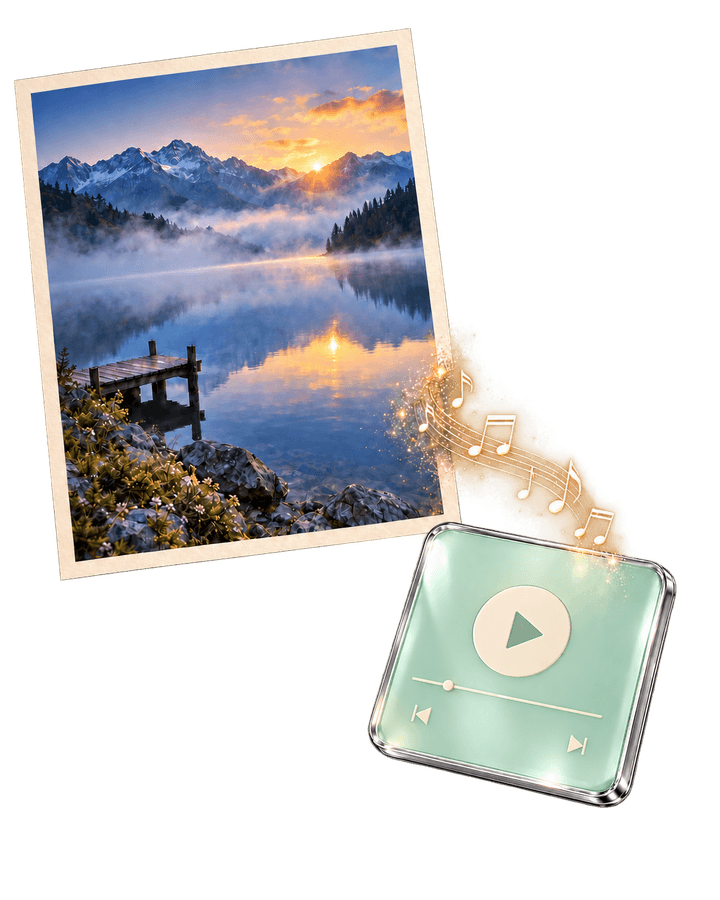
Choose two tracks as references and describe the style you want to explore. Generate a new piece from their combined inspiration, then listen and compare it with the originals.
Combine two songs
What it does
Start with a description, lyrics, images or a hummed melody, then edit and organize your music. Choose the input that fits your idea and develop it into a track.
Free, no account
Free music tools run in your browser without sign-in or credits. Tap a tempo, try chord progressions, adjust speed and pitch, or add reverb to a recording.
Tap along to any track and read its tempo. It only measures your timing — no microphone, no upload.
Tap along or press Space to estimate BPM, then use the metronome to practice a steady pulse. The delay calculator also converts BPM into timing values for tempo-synced effects.
Open tool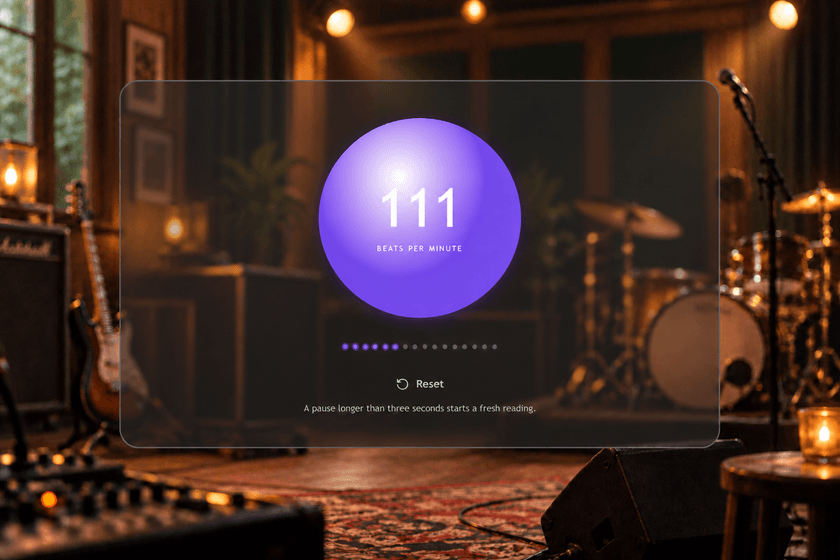
Open a local file, change the pace, add space, then export a 16-bit WAV. The file never leaves your browser.
Use it to give an existing recording a slower, more spacious feel. To slow down while keeping the original key, choose Audio Speed & Pitch below; the two tools process sound differently.
Open tool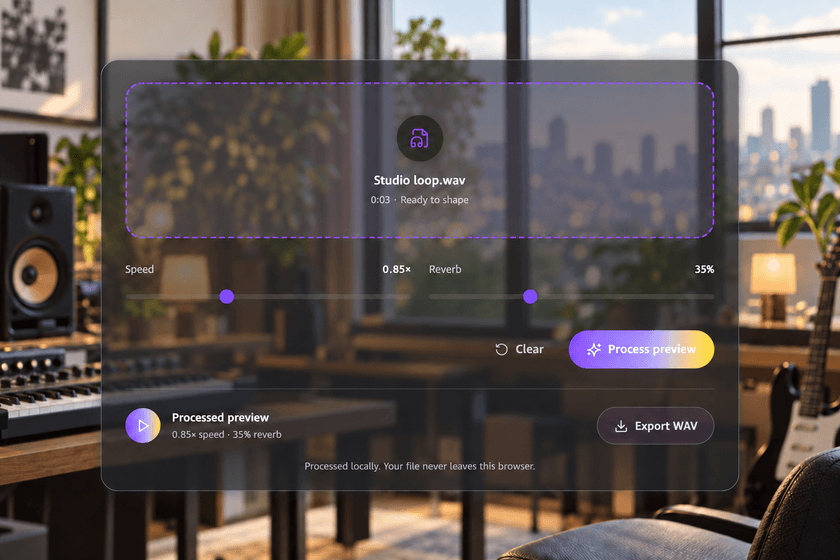
Slow down without changing key, or transpose without changing tempo. Preview and export your audio privately in your browser.
Open tool
Find a starting point for your next song. Choose a key and style, listen, and take the chords into your DAW.
Open tool
How it works
Describe the subject, style and instruments, or bring lyrics, images or humming.

Sign in, check the settings and credit cost, then submit.

Listen and download in your library, or keep working in the editor.
A warm lo-fi instrumental for reading on a rainy day. Soft electric piano, light drums and bass, a relaxed pulse, a quiet opening and a little more texture in the second half. No vocals.Create with this prompt
FAQ
You can preview homepage templates and use free local tools without signing in. Signing in is required to generate songs, upload reference media and save to your private library. Generation shows its credit cost before submission.
Start with included credits
Start with a sentence. Sign in, submit it, and the song lands in your library when it is done.
Need more later? Add a one-time credit pack — no subscription.