

TUNENOODLE / Music that belongs in the room

AI Retail Background Music Generator

Plan an in-store music direction around conversation, customer activity, and repeated listening, then test it in the actual space.

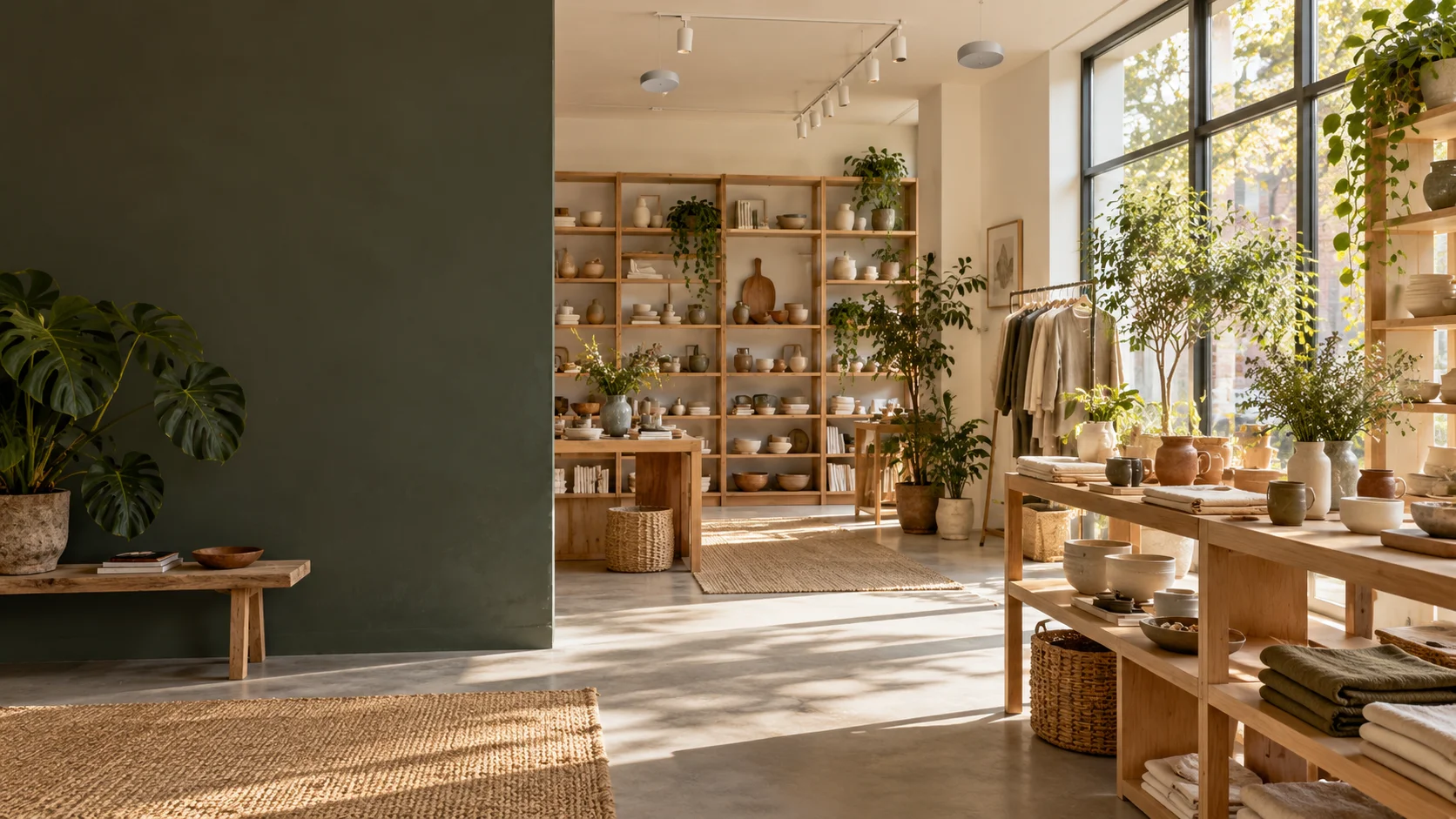
Begin with the store’s real soundscape

A shop is not a pair of headphones. Staff speak with customers, equipment makes noise, and music reaches different corners at different levels. Begin with the activity your space supports: browsing, waiting, trying something, or asking for advice. Tunenoodle helps develop a musical direction you can audition. The room, staff feedback, and permitted use determine the final choice.

TUNENOODLE / Music that belongs in the room

Describe your retail sound

Describe the room and its main activity. Instrumental is a useful starting point when conversation matters. Review repetition, playback levels, and applicable usage requirements before in-store use.

Your music brief

retail background, warm electric piano, brushed percussion and soft bass. Relaxed steady pulse, restrained melodic phrases, gentle harmonic variation, no sudden builds or sharp accents, unobtrusive flowing arrangement. Instrumental only.

237 / 500

01

Listen to the shop before adding music

A short observation can produce a much better brief.

  • Activities

    Note where people ask questions, compare products, wait, or concentrate. A consultation counter may need more restraint than a display area. Avoid describing the whole shop only as “luxury” or “trendy”; those labels do not say what the soundtrack must leave audible.

  • Existing sound

    Listen for refrigeration, tools, doors, footsteps, and street noise. Music should not become another source of fatigue on top of those sounds. Check a quiet period and a busy period separately; a comfortable level at opening may feel different when the room fills.

  • People working there

    Staff hear the music for longer than most visitors. Ask about repeated hooks, sharp sounds, and sudden changes that become tiring over a shift. Their practical feedback can reveal problems that a quick promotional-style audition misses.

02

The room changes the track

Judge the recording from several ordinary listening positions.

Speech comfort

Play a candidate while two people have a normal conversation at the counter. If they start speaking harder, lower the playback level or simplify the musical texture. A softer melody or lighter percussion can be more useful than adding another “relaxing” keyword.

Speaker coverage

Check near a speaker, between speakers, and in a quieter corner. Low bass or bright percussion may dominate only in certain places. Adjust the playback system with the people responsible for it; the generator cannot correct a room’s acoustic or coverage problems.

03

Three spaces, three different briefs

These are creative starting points, not rules about customer behavior.

Ceramics shop
Soft mallets and muted guitar can support a daylight, tactile atmosphere. Keep accents gentle so small object sounds and conversation remain clear. Listen for a sense of continuity rather than trying to make every track feel like the reveal in a product advertisement.
Consultation area
Favor slower harmonic movement and little percussion when careful listening matters. A prominent lead instrument can pull attention away from advice even at low volume. Test the candidate beside a realistic conversation before deciding whether it belongs in the space.
Busy daytime shop
A moderate, defined pulse can provide movement without a sequence of large builds. Keep the musical identity consistent across selected pieces while allowing variation. The aim is a workable atmosphere, not a claim that a particular tempo will increase purchases.

04

Plan beyond the first track

Repeated playback is a programming task.

  1. 01

    Across a shift

    Listen to several selected pieces in sequence, checking volume jumps, repeated motifs, and abrupt endings. One generated track repeated indefinitely may become tiring. Build a reviewed program appropriate to the space instead of treating a single successful preview as a complete in-store system.

  2. 02

    Before public playback

    Check current Tunenoodle terms and any public-performance or business-use requirements that apply to your location and material. A generation subscription alone is not a universal venue license. Keep asset records and confirm the practical playback arrangements before putting the program into daily use.

Test a musical direction in your space

  1. 01

    Choose browsing, daytime movement, or quiet consultation and describe the room.

  2. 02

    Review the brief in the studio and generate a candidate with your selected settings.

  3. 03

    Audition it in the store, collect staff feedback, and check playback and usage requirements before regular use.

Questions before you create

No particular result is guaranteed. This page helps you design and test an atmosphere; customer behavior depends on many factors beyond music.

Create music that gives the room space to work

Send feedback

Tell us what went wrong or what would help. Every message is read.

Type

Sending from /features/ai-retail-music-generator